Why drives can lose data over time
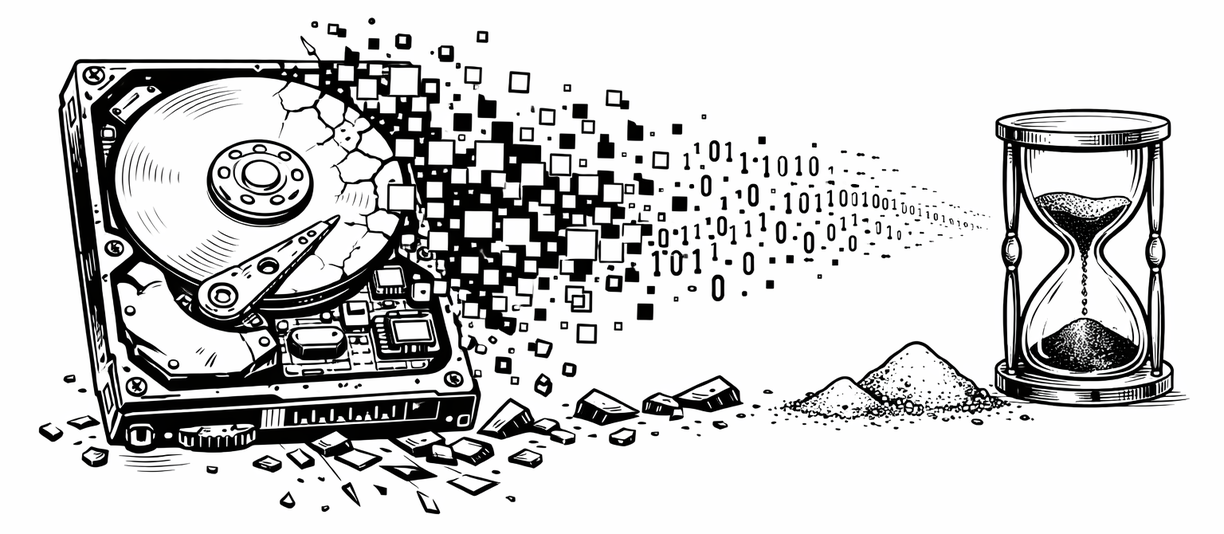
As part of our Tech Tip series, let’s explore how hard drives, and especially SSDs, can slowly lose data if left unused or unpowered for too long.
A little about drive lifespans
Solid state drives (SSDs) store data using tiny electronic “cells” that keep a charge to represent bits. If the drive sits unplugged for a long time, those charges can slowly leak away and that can corrupt or erase your files. How long your data lasts depends a lot on the type of SSD.
Hard disk drives (HDDs) don’t store data as electrical charge; they use magnetic storage. That means if an HDD is stored in a cool, dry place, it’s generally more stable for long-term storage than an SSD… but HDDs have other drawbacks (slower speed, mechanical parts, risk of drive failure over many years), so nothing is perfect.
What it means for the average person
If you have important files (archives, backups, photos, documents) stored on SSDs you rarely power on: treat them as temporary storage, not a “set it and forget it” archive.
For long-term storage, a well-kept HDD (or even other archival media like discs!) is often safer than an SSD that sits unplugged.
If you continue to use a drive regularly (power it up, read/write occasionally), it’s less risky — the storage cells get refreshed, reducing the chance of data decay.
And most importantly: BACK UP YOUR DATA!!! Using a 3-2-1 backup strategy is often the best insurance to keep your data safe.
When is the last time you checked if your backups are working? (Do you even have one?) - Book a session with Common Computer; We’re happy to give a free consult and help you keep your data backed up in case of failure.